Chargoal
What we did
Mobile App Design
Industry
Tech
Description
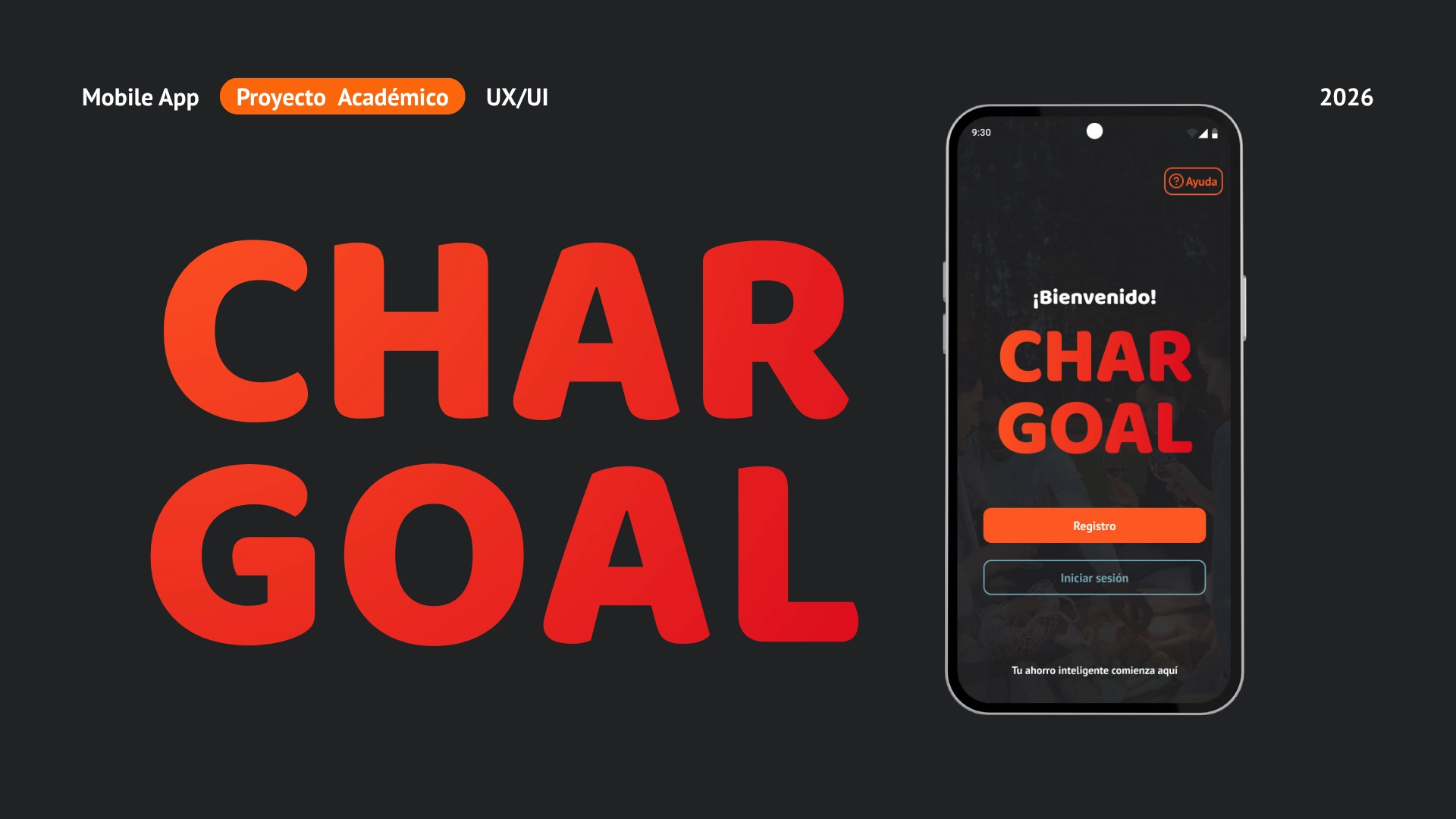
This UI UX Case Study documents the end-to-end strategy and execution of a personal finance tool created to simplify daily money management. As Creative Director, UX Researcher, and UI Prototyper, I led the creation of an intuitive digital experience that reduces cognitive load, automates expense tracking, and provides clear visibility over personal finances. The overarching goal was to bridge the gap between technical functionality and human-centered interaction, ensuring that managing money feels seamless, structured, and stress-free for every user.
The project combined structured UX research grounded in financial literacy data with visual identity development, high-fidelity mockups, and interactive prototypes. By analyzing key behaviors and common points of confusion in personal financial planning, we established a clear roadmap that prioritized clarity across every touchpoint. This methodical approach allowed us to identify critical user drop-off points early in the conceptual phase of our app design process.
Strategic Solution and Product Core
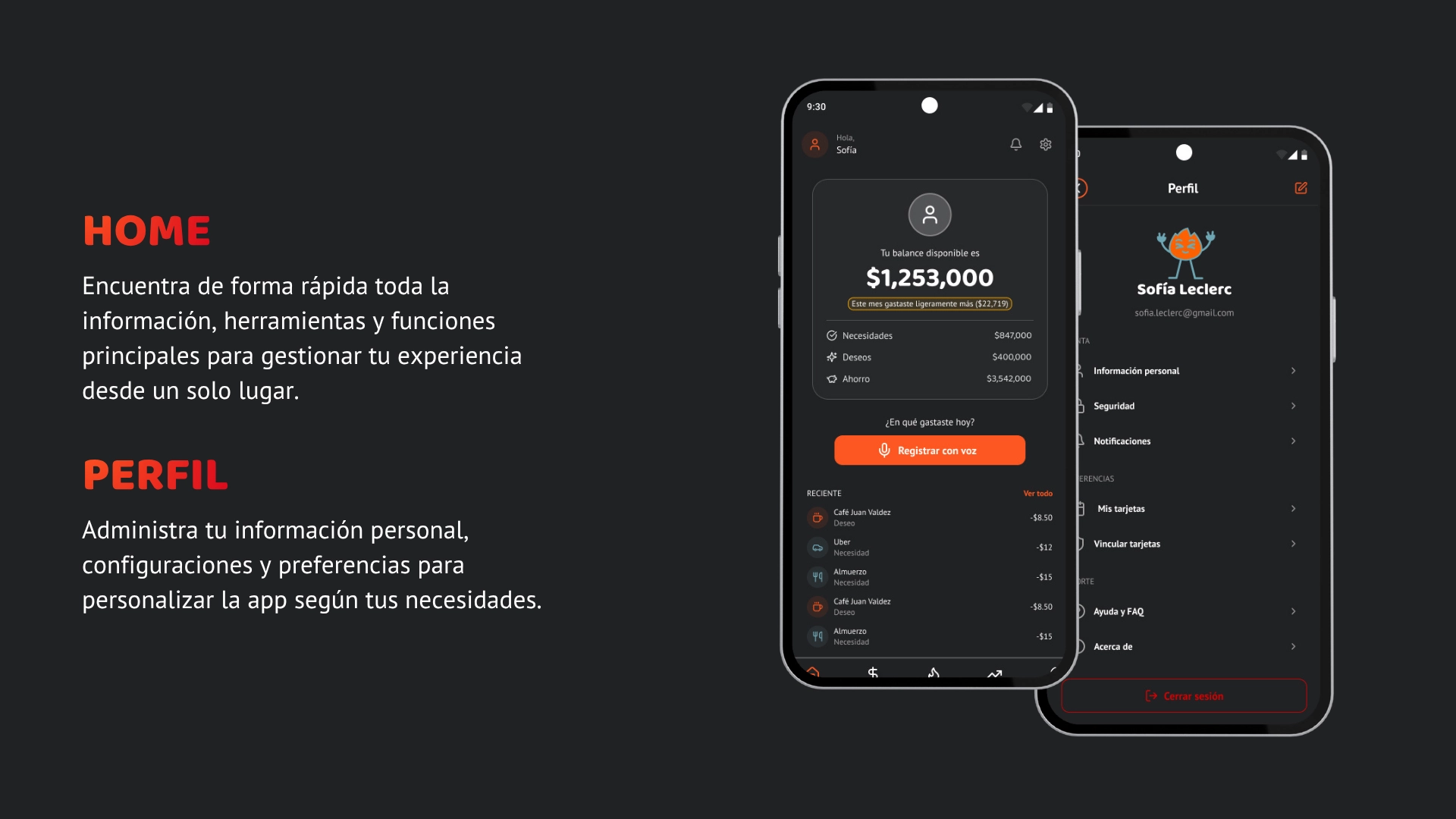
Chargoal addresses common financial management friction by establishing a streamlined platform that automatically categorizes expenses into needs versus desires. Rather than requiring manual entry for every single transaction, the application offers flexible input methods tailored to modern user habits. The interface enables users to log transactions effortlessly using either standard manual forms or voice-activated commands, such as stating an expense directly to the application.
The interactive prototype simulates real-time voice data processing, showing how the system would organize transactions into their respective categories and display immediate feedback regarding monthly budget limits. By automating routine data entry, organizing resource allocation, and offering clear visual summaries, this digital product simplifies daily decision-making and aligns with Sustainable Development Goal 8 by encouraging healthier, long-term financial habits. Creating an effective mobile app experience relies on transforming tedious budgeting routines into an intuitive daily habit through clear visual feedback loops.
Visual Identity and Component System
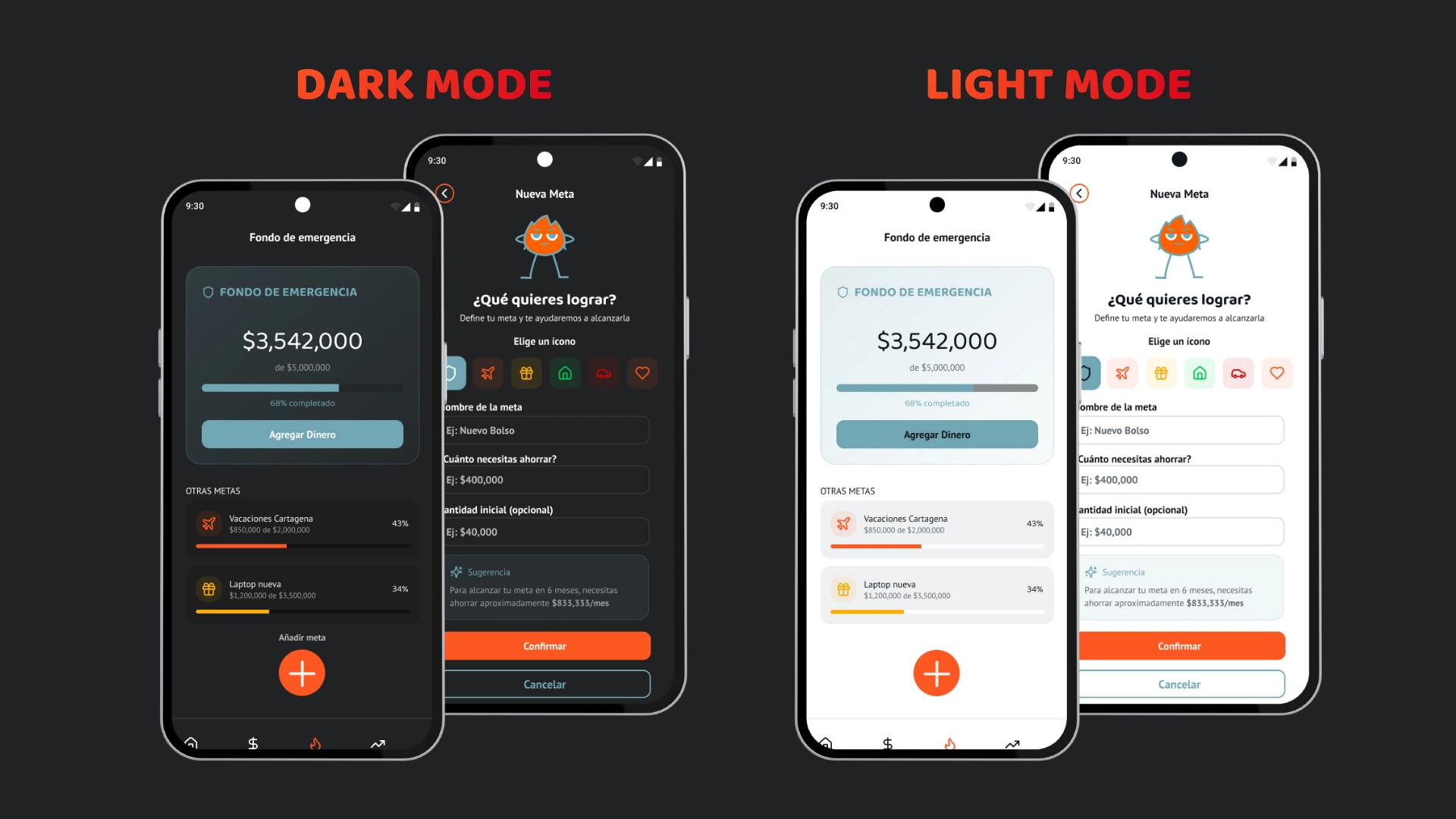
To make financial management feel approachable rather than intimidating, the visual direction centers around a dynamic character mascot. This character adapts its poses and expressions across different application states, providing positive reinforcement when users meet savings goals or signaling caution when spending reaches set limits. These gamified emotional touch points humanize the interface and encourage continuous engagement without creating unnecessary anxiety. Maintaining brand continuity across every screen keeps users grounded during complex tasks.
The interface is built on a scalable Mobile Design System created in Figma, featuring a color palette anchored by Primary Orange (#FF5722) and Secondary Cyan (#71A6B3), alongside structured neutral scales for seamless dark and light mode implementations. Typography pairs the rounded geometry of Baloo for key headings with the clean legibility of PT Sans for data-dense cards and input fields. Guided by this structured framework, comprehensive component libraries, including interactive buttons, form inputs, feedback banners, and progress cards, were built to maintain consistency, accessibility, and visual harmony. Establishing modular UI components accelerated screen variations while ensuring strict brand consistency across the entire app design.
Prototyping, Navigation, and Features
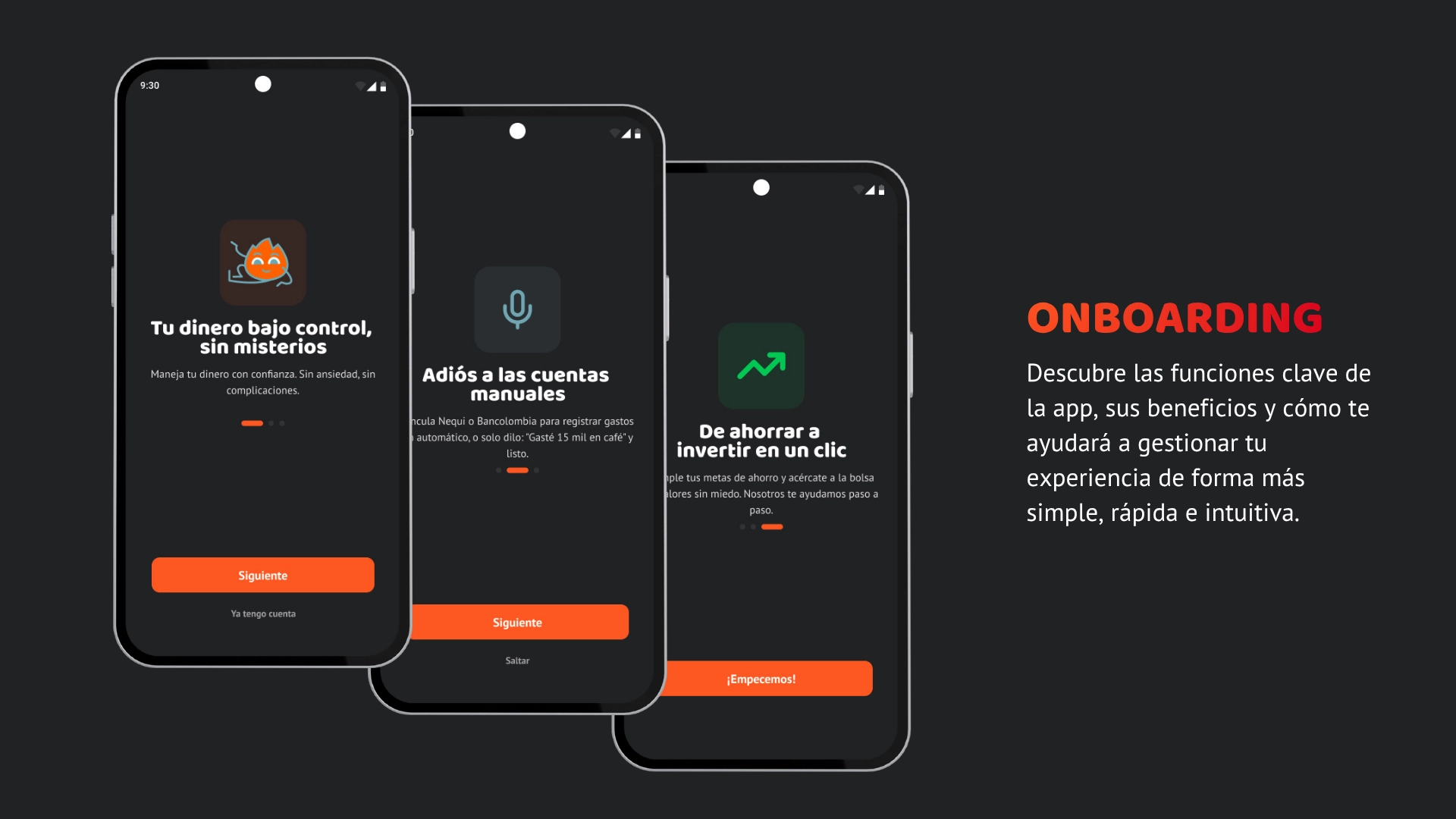
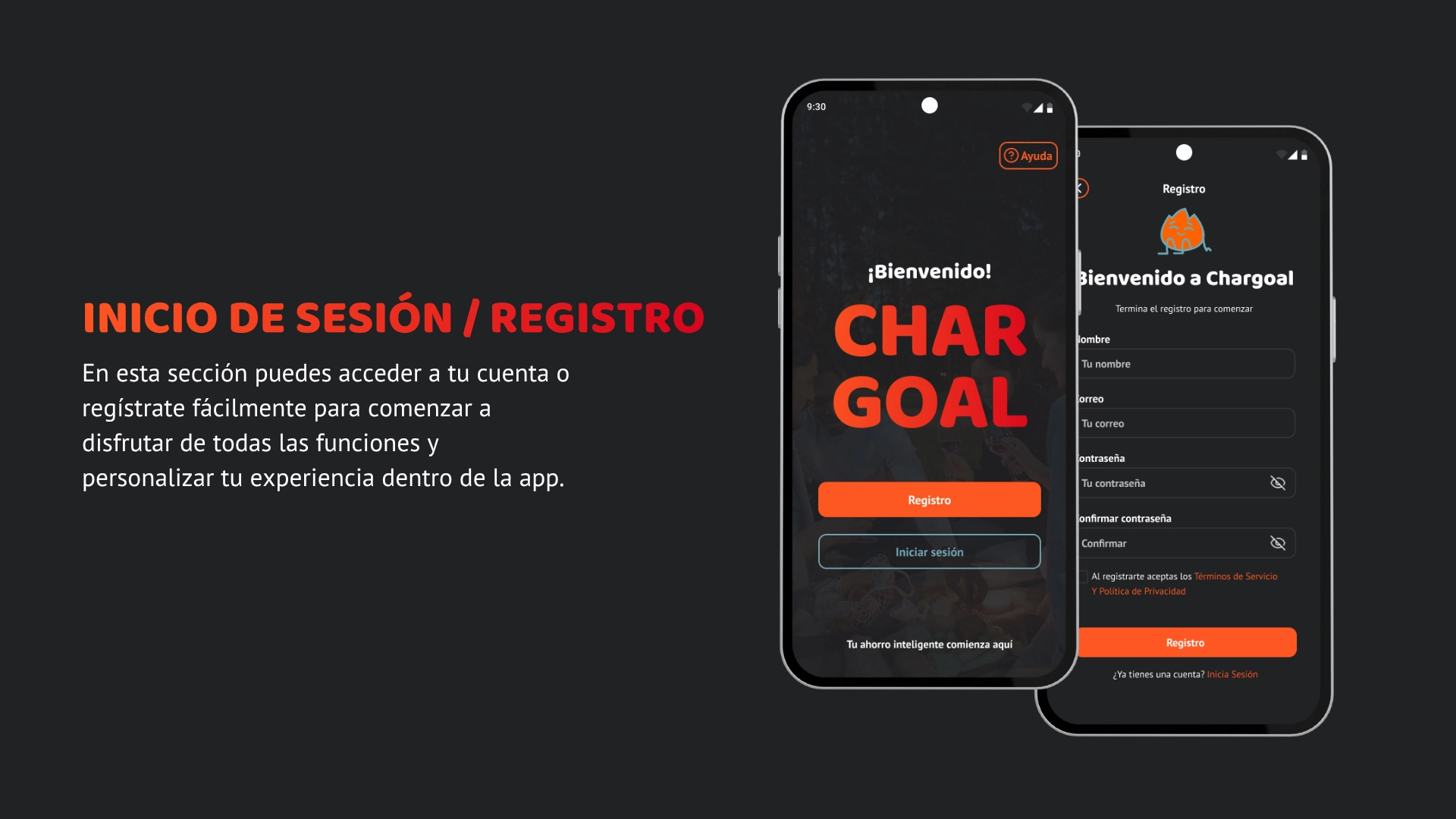
During the Mobile App Prototyping phase, we focused on mapping fluid user flows from initial onboarding to bank account integration. Through continuous testing, the interface incorporates features such as voice expense tracking, customizable savings goals for emergency funds or travel, automated monthly budget summaries, and introductory investment modules designed to introduce financial growth concepts safely.
We rigorously tested navigation structures to ensure key features, such as transaction history and balance overviews, remain accessible within a few quick taps. Every interaction was designed to guide users smoothly through complex financial tasks without overwhelming them with unnecessary data or cluttered options. Designing a comprehensive digital prototype requires balancing deep functional depth with immediate visual clarity. The final deliverable is a complete UI UX solution that combines technical structure with engaging visual design to deliver a practical mobile app concept. A practical exercise in combining thoughtful digital strategy with user empathy to solve a real, everyday challenge. Building a modern mobile app requires balancing robust utility with approachable visual interfaces.